A memorial card is a small printed keepsake that guests can take home after a funeral, memorial service, or celebration of life. It may be simple, but it often becomes one of the few physical reminders people keep.
CreateMemorial does not need to replace a print shop or funeral home card service. A practical approach is to create an online memorial first, then use the same photo, obituary details, and custom memorial link on the printed card. That gives guests both a physical keepsake and a place to leave tributes online later.
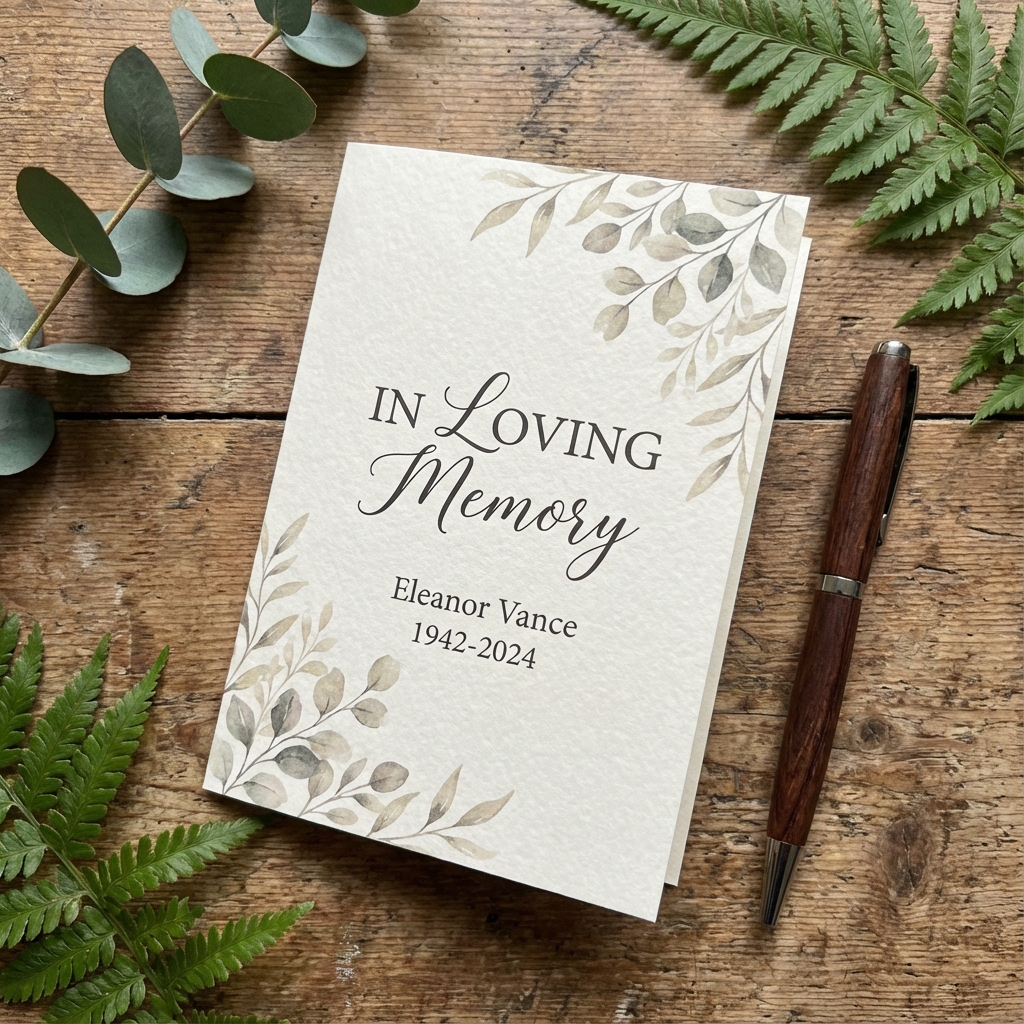
Choose the right memorial card format
The format depends on the service and how much information you want to include. If you only need a photo, name, dates, and short prayer, a small card is enough. If you want a longer obituary or order of service, choose a folded card or program.
| Format | Best for | What to include |
|---|---|---|
| Prayer card | Small keepsake | Photo, name, dates, prayer or short verse |
| 4 x 6 or 5 x 7 card | Celebration of life table or guest handout | Photo, short tribute, service details, QR code |
| Folded card | More room for story or program | Obituary, readings, photos, order of service |
| Bookmark | Long-term keepsake | Portrait, dates, quote, memorial link |
Pick one photo that prints clearly
Printed cards need higher-quality images than a small web thumbnail. Use a clear portrait with enough resolution for the card size. Avoid screenshots from social media if you have the original file. If the only meaningful photo is old, scan it or photograph it carefully in even light.
Write the essential wording
Keep the front of the card simple. Most families include the person's full name, birth and death dates, and a phrase such as "In Loving Memory" or "Celebrating the Life of." Longer text can go on the back or inside.
Simple memorial card wording
- In Loving Memory of [Full Name]
- [Birth date] - [Death date]
- Forever loved, always remembered
- Please visit the memorial page to share a tribute
Add a poem, prayer, quote, or short note
Choose words that fit the person and the family. Religious families may prefer a prayer or scripture. Others may prefer a poem, a favorite quote, or a short message written by the family. Avoid filling every inch of the card; white space makes the card easier to read.
Include the online memorial link or QR code
A printed card can guide guests back to the online memorial. Add a short custom URL or QR code that opens the memorial page. This is especially helpful when people want to read the full obituary, view the photo gallery, or leave a tribute after the service.
Before printing, test the QR code on more than one phone and make sure it points to the exact memorial page, not the homepage.
Check printing details
Use a print-ready PDF when possible. Leave enough margin around the edges, use readable font sizes, and choose matte or lightly textured paper if you want a softer look. Order a proof or print one test copy before producing the full quantity.
Final checklist
- Card size and format chosen
- High-quality photo selected
- Name and dates checked carefully
- Prayer, poem, quote, or message approved by family
- Online memorial URL or QR code tested
- Print proof reviewed before final printing